
Product Description
This product contains AI-generated content.
Some content is AI assisted. However, it is widely tested and I will never allow AI slop on this shop. This is a quality standard.
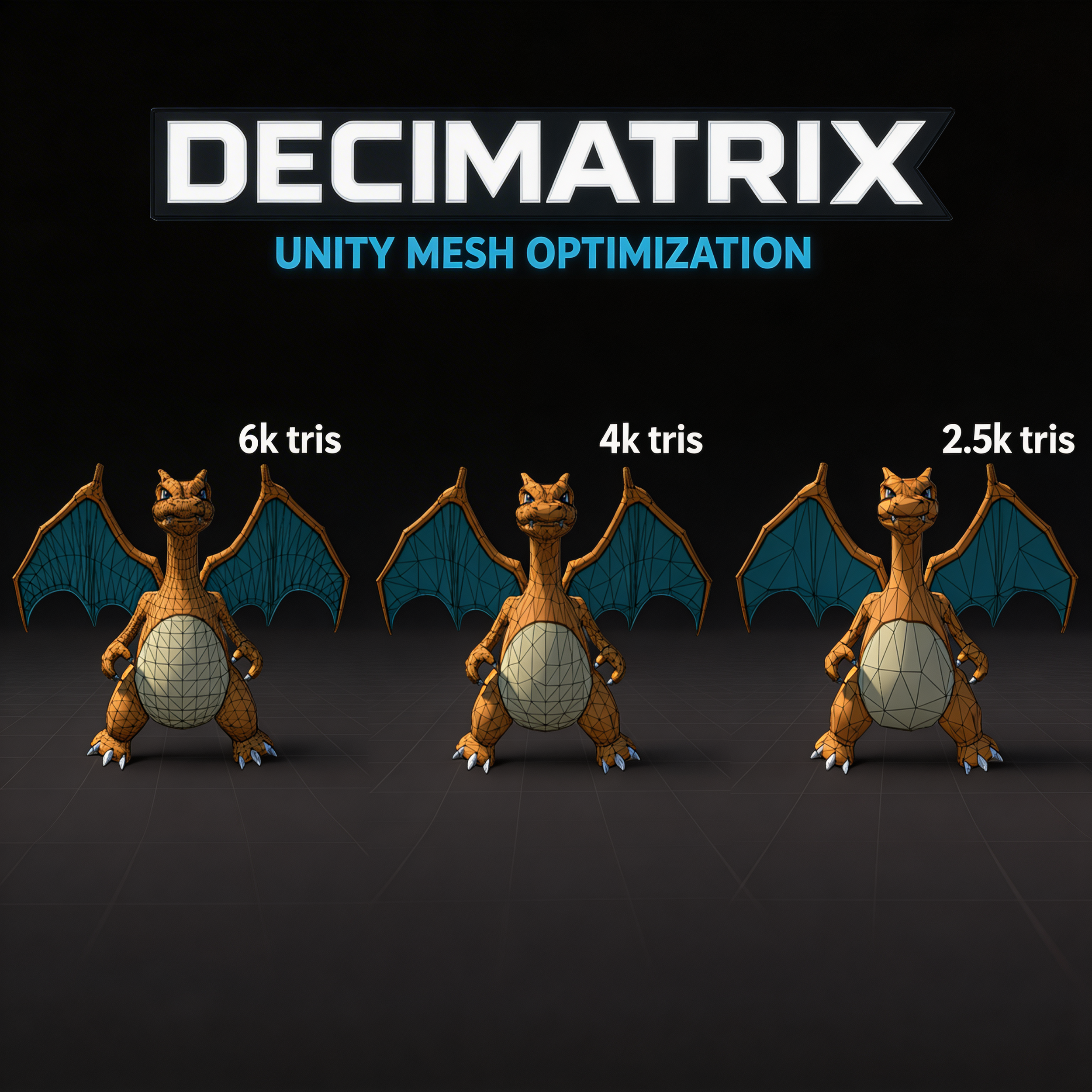
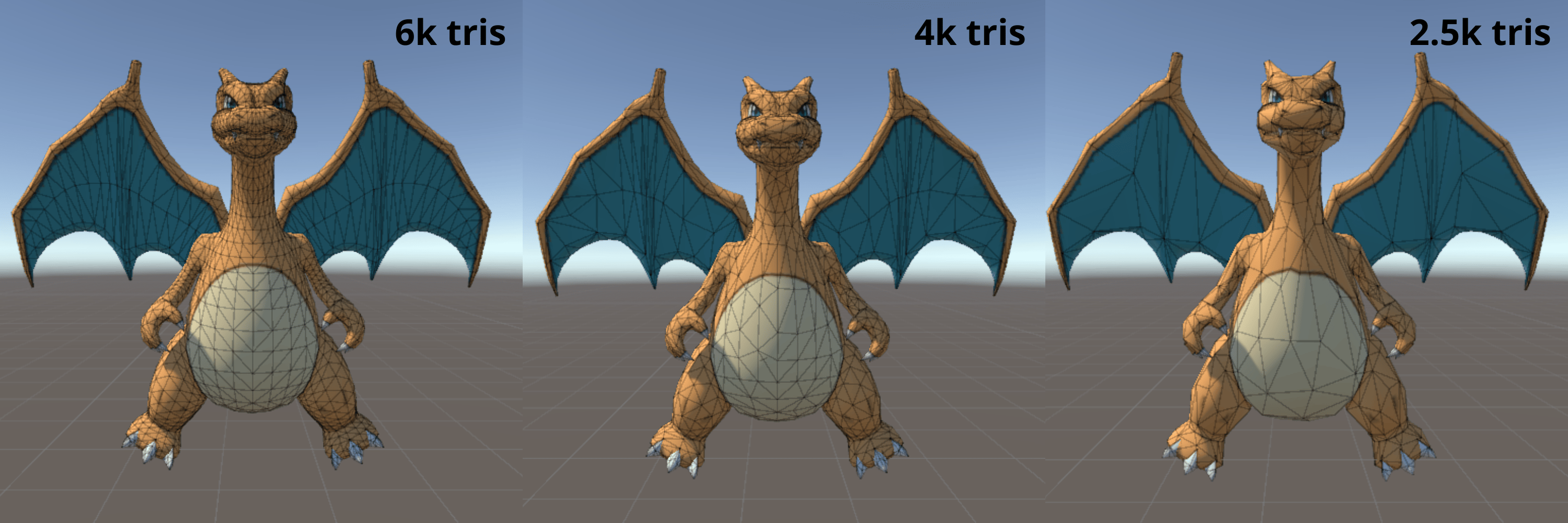
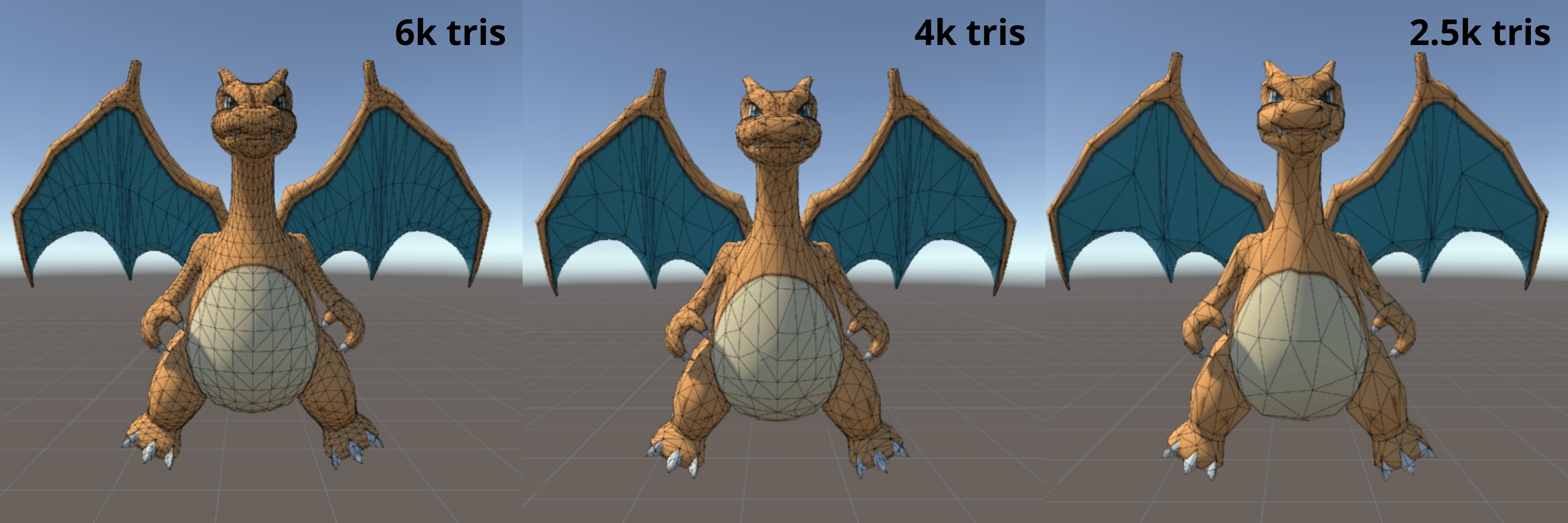
Decimate and keep your blendshapes.
What it does
Decimatrix scans your scene, finds every 3D model, and lets you optimize them A model with 50,000 tris can become 25,000 tris. And you don't lose texture UVs or blendshapes.
How to use it
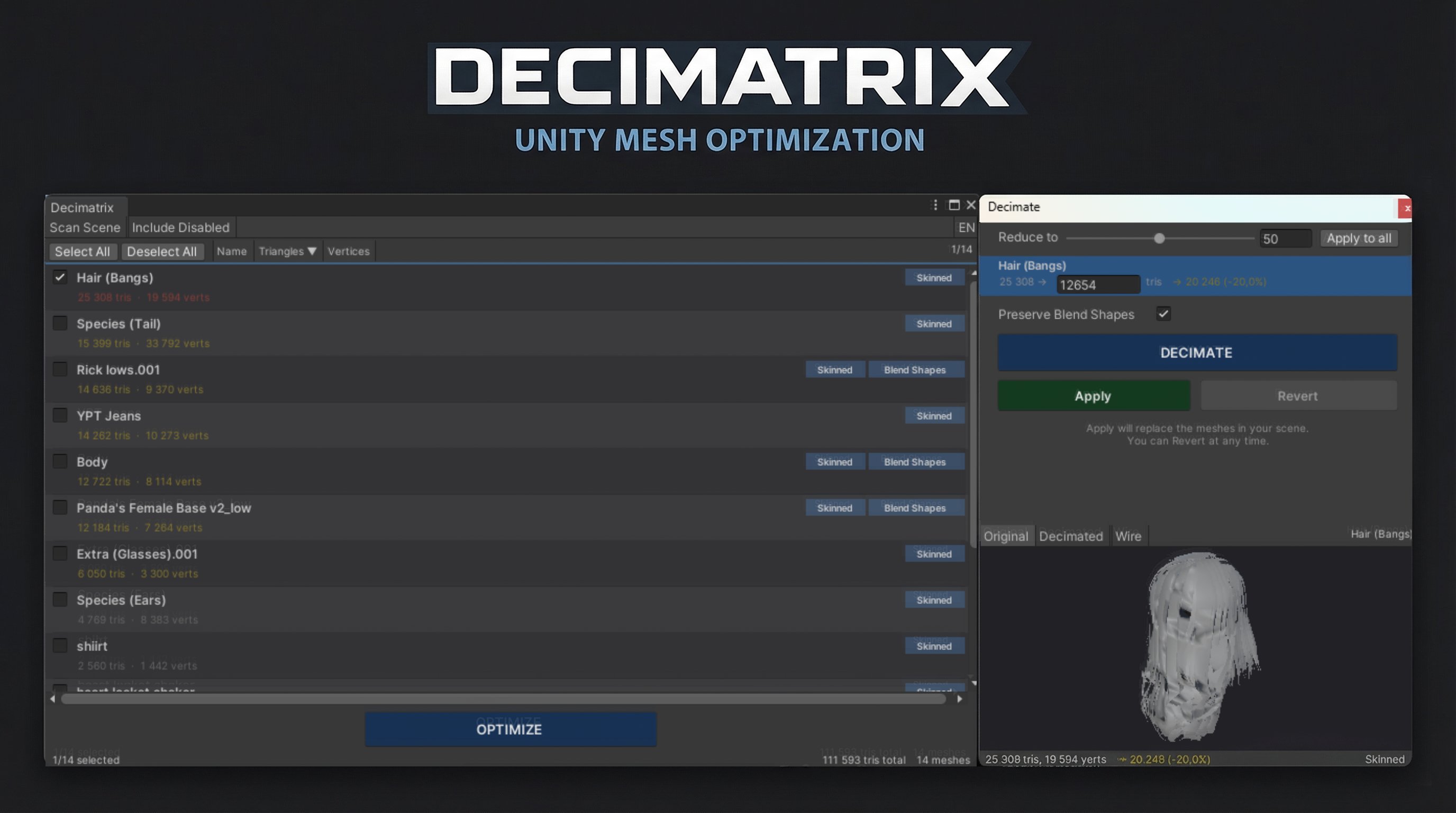
1. Open Tools > Decimatrix
2. Click Scan Scene
3. Select the meshes you want to optimize
4. Set your target reduction
5. Hit Decimate, preview the results, and apply
That's it. Lighter scenes, better performance, same look.