
LANTERN LAKE | Multiplayer Fishing World & Game Prefab for VRChat
Product Description
This product contains AI-generated content.
Wait for the float to sink. Hook the fish. Land the catch together.
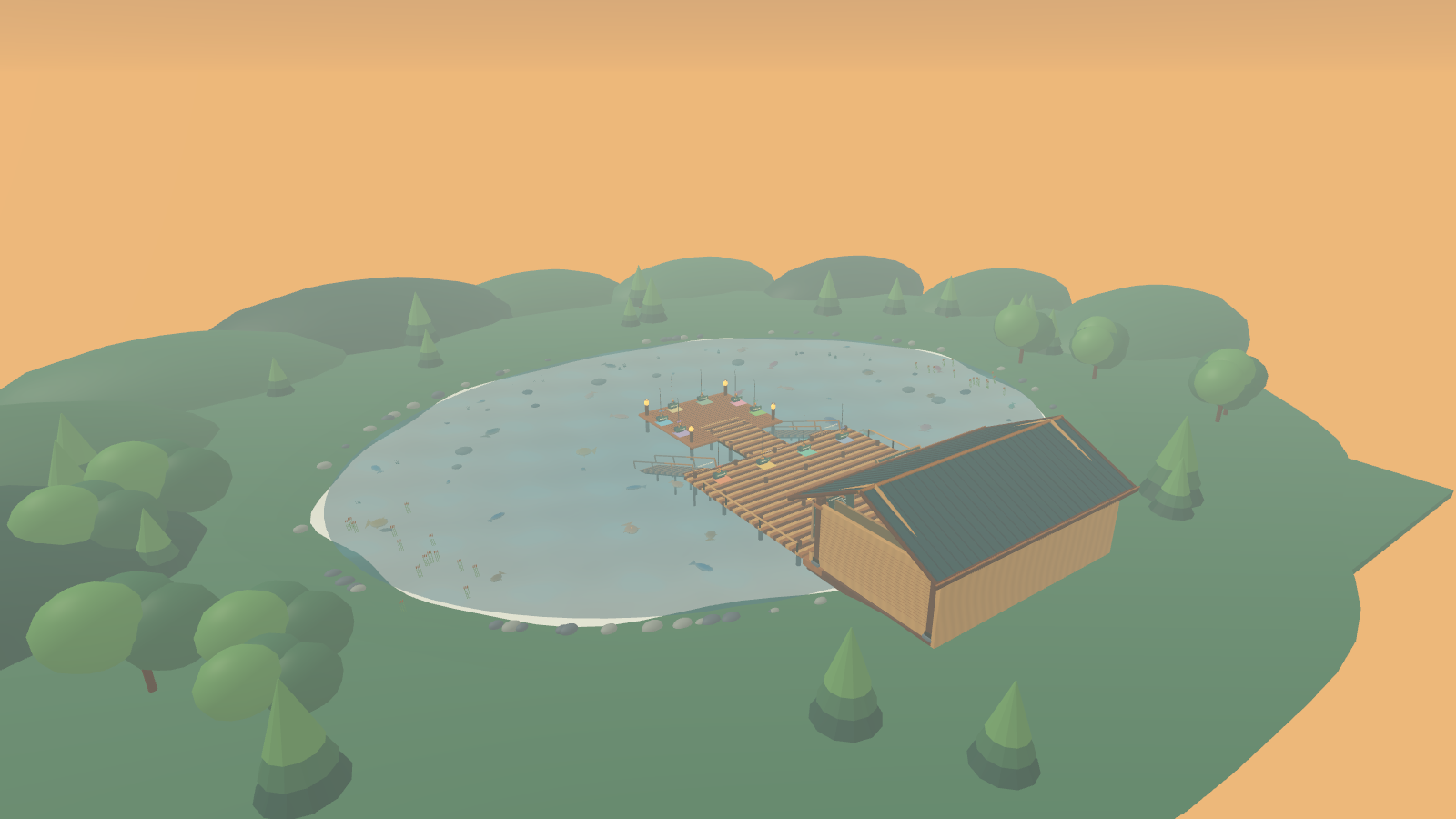
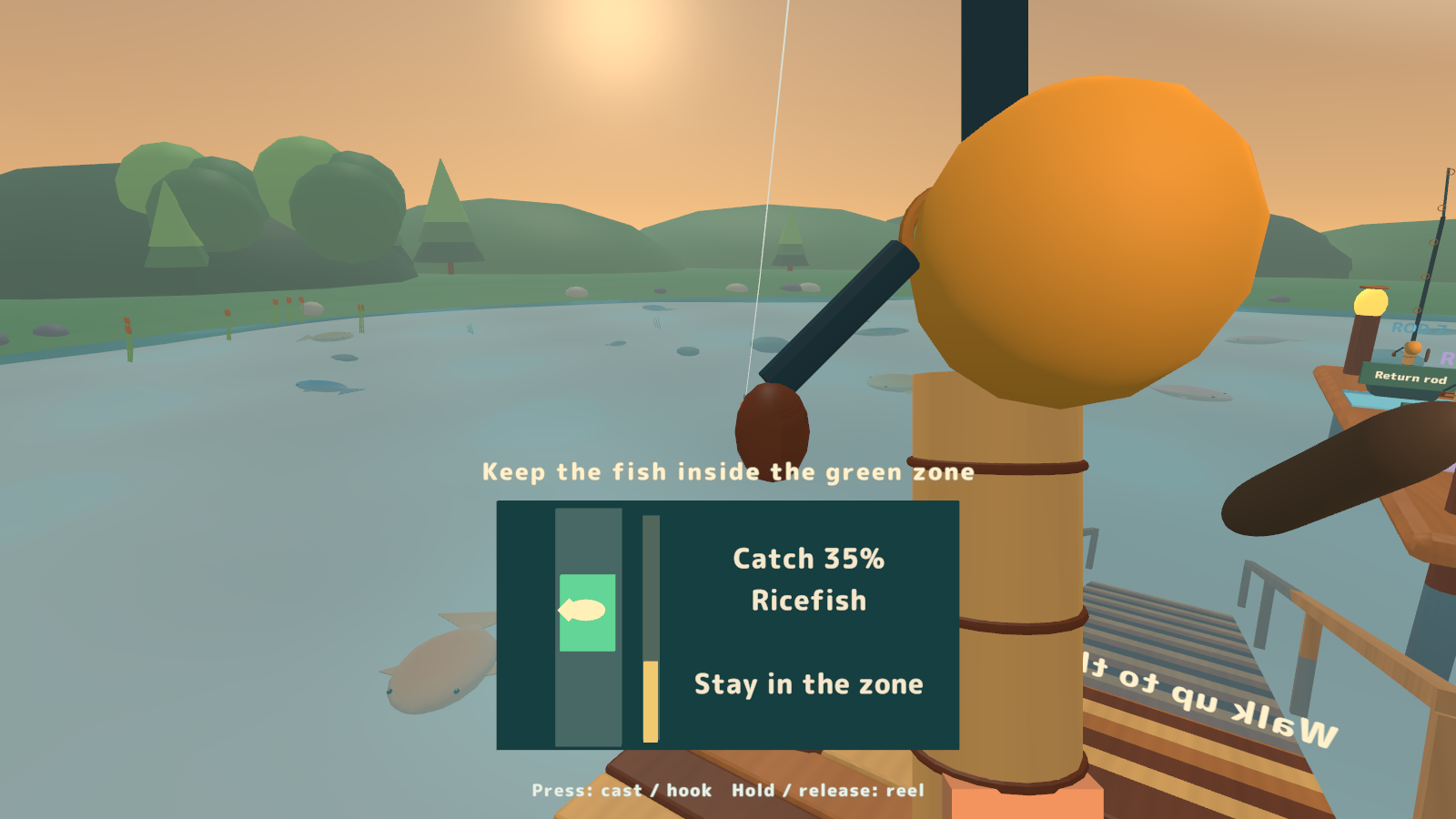
LANTERN LAKE is a multiplayer fishing world and game prefab for VRChat. Cast near a swimming fish, react to the bite, then keep its moving marker inside the green zone. Fish at your own pace or bring friends into a timed competition or team challenge.
1–10 anglers · 3 game modes · 12 species and 36 swimming fish · Complete world + game prefab · Personal English/Japanese display
Watch it in action
Watch the English introduction on YouTube
Three ways to spend time at the lake
- Free fishing. Pick an available rod and cast near a fish shadow. Relax and chat while fishing at your own pace.
- Three-minute tournament. Compete for points based on fish species and size. Results remain visible until you start the next round.
- Team challenge. Combine your scores to reach a shared goal that scales with the number of anglers.
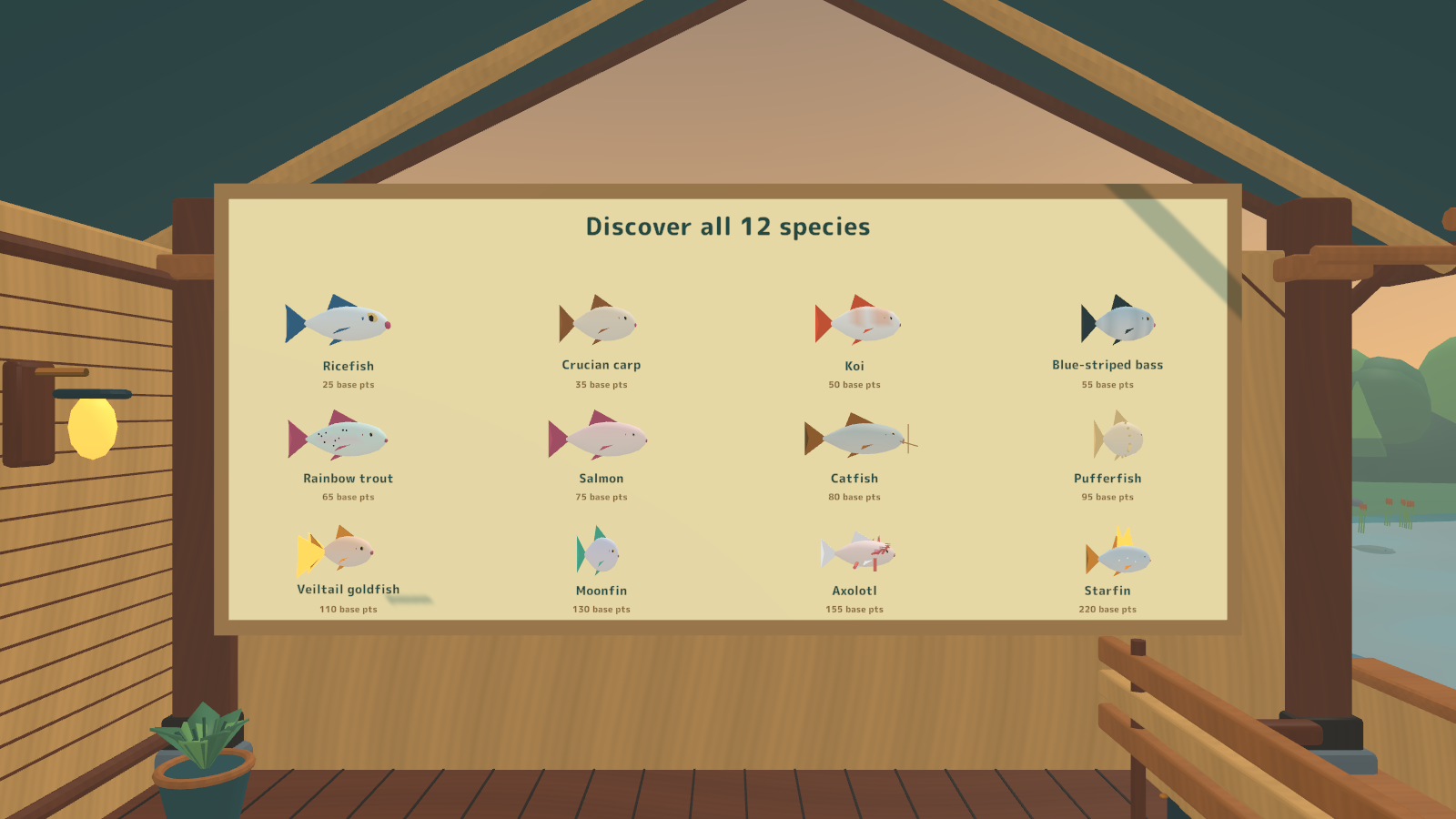
- A lake for up to 10 anglers. Ten rods, 12 species and 36 solid 3D swimming fish are included. Catch records and the shared species collection belong to the current instance.
- Choose your own display. Each player can select Auto, Japanese or English. Instructions, fish names, interaction hints and scores follow that choice while everyone continues playing the same game.
How to fish
- Pick up an available rod. In free fishing you can cast immediately; for a tournament or team challenge, press Start on the control board.
- Aim near a fish shadow and press Use when the landing ring turns green.
- Wait through the light nibbles. When the float sinks with a splash and sound, press Use to hook the fish.
- Hold Use to raise the green zone and release to lower it. Keep the fish marker inside the zone to fill the gold gauge and land the catch.
Points depend on species and size, with a 15-point bonus for a clean catch. Drop a rod to take a break; it returns to its rack. The lobby includes permanent instructions and a species guide.
On Desktop, click to pick up, cast and hook, then hold or release to move the green zone. In VR, aim with the hand holding the rod and use its Use trigger. Mobile players use VRChat's on-screen Pickup, Use and Drop controls.
What you get
- LanternLake_v0.4.4.unitypackage with a complete lakeside world and a game prefab for adding fishing to your own scene.
- Ten fishing rods, 12 fish species and 36 swimming fish, a central pier, lakeside building, aquarium, species guide, controls and catch board.
- Three benches with nine seats and two wooden ramps from the lake floor back to the pier.
- UdonSharp sources, models, materials, shaders, sound effects, font-rendering settings and shader dependencies.
- Source/LanternLake.blend and Source/build_models.py for editing and regenerating the models.
- English and Japanese documentation, usage terms, release notes, font licenses and third-party attribution.
Requirements & setup
Use a VCC Worlds project with Unity 2022.3.22f1, VRChat Worlds SDK 3.10.5 with UdonSharp, TextMesh Pro and the Built-in Render Pipeline. PC and Android world builds are supported.
- Import LanternLake_v0.4.4.unitypackage.
- Open Assets/LanternLake/Sample/LanternLake_World.unity for the complete lakeside world, or place Assets/LanternLake/Prefabs/LanternLake_Game.prefab in your own scene.
- Adjust the water area, cast distance, round duration, fish points, sizes and movement to suit your world.
- Use the SDK's Build & Test before uploading. When providing PC and Android builds, upload both to the same World ID.
Set Language.initialLanguage to 0 for Auto, 1 for Japanese or 2 for English. Auto follows each player's VRChat language and uses English for languages other than Japanese. Players can override their own display on the board without changing the shared game.
Use & customization
Purchasers may modify the assets and use them in public, private, paid or monetized VRChat worlds, including VRChat Creator Economy worlds.
Redistribution or resale of the asset data, or distribution in a form that allows third parties to extract the assets, is prohibited. Fonts and dependency software remain subject to their respective licenses. See Documentation/LICENSE.txt and the included license and attribution files for the full terms.
Version 0.4.4
The shared download includes the complete world, game prefab, three fishing modes, individual English/Japanese display and bilingual documentation.